← All work Upgames

Win an iPhone, one mini-game at a time

Role
UX/UI design
Platform
Mobile web
Event
ICE Barcelona
Players
iGaming professionals at the show
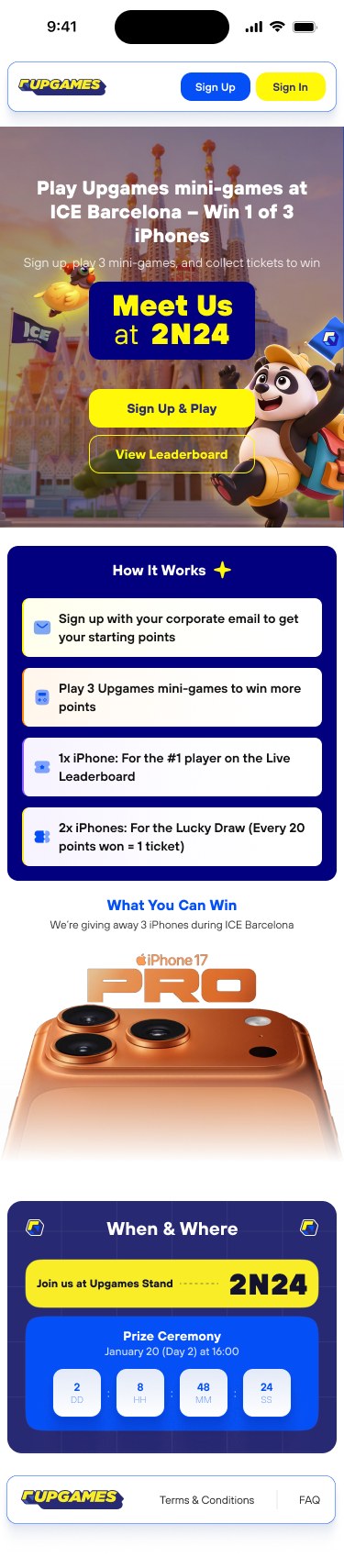
Upgames landing page: Play Upgames mini-games at ICE Barcelona, win 1 of 3 iPhones
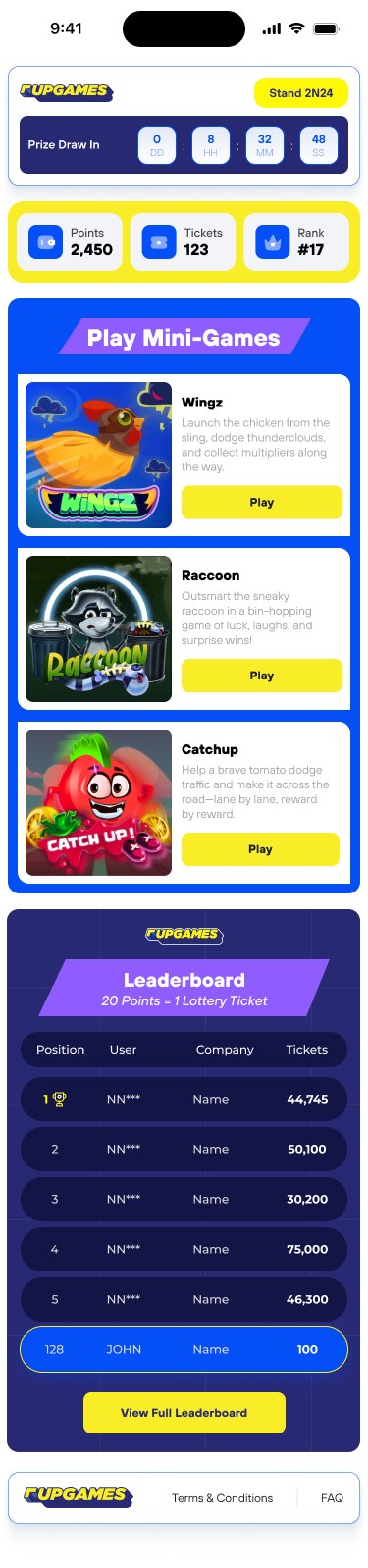
Player dashboard with prize draw countdown, points, tickets, rank and mini-games
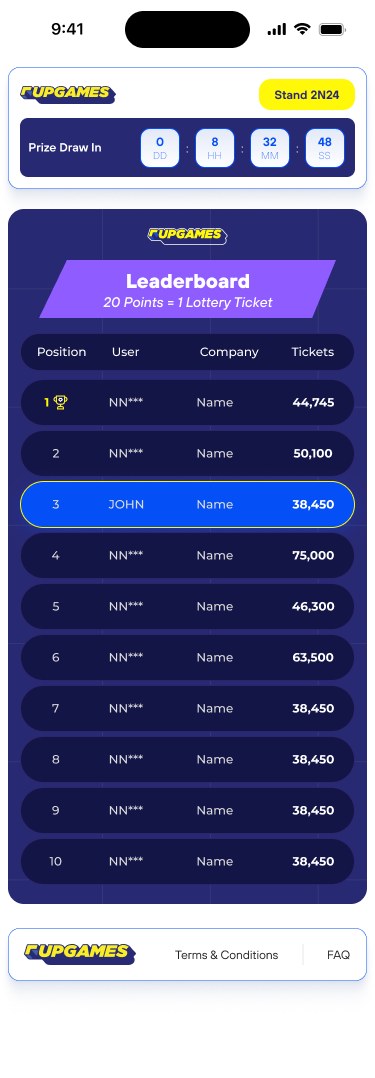
Live leaderboard with the player's row highlighted

Overview

An expo floor is loud, crowded and short on attention. The game has to explain itself in one glance.

Upgames is a mobile web app for a stand at ICE Barcelona. Visitors sign up with a corporate email, play three mini-games (Wingz, Raccoon and Catchup), and every 20 points they win becomes one lucky-draw ticket for an iPhone. I designed the flows, UI, onboarding and every state, 20+ mobile screens in all, for people playing one-handed while standing in a crowd.

0Mini-games to play
0Points = 1 lucky-draw ticket
0Onboarding steps to learn the rules

Approach

A booth game lives or dies on two things: how fast people understand it, and whether they come back.

  1. Four taps to the rules

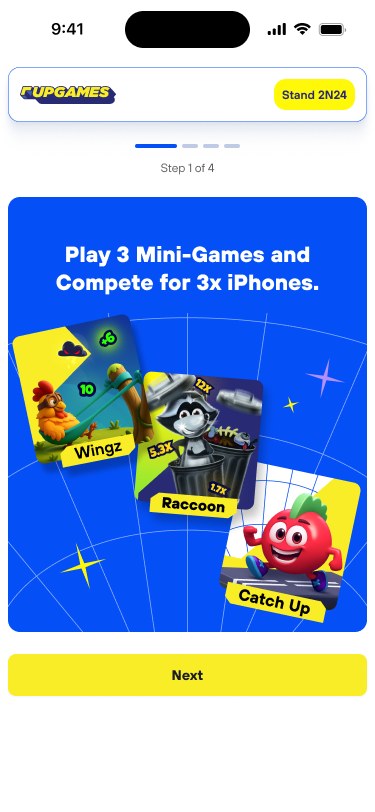
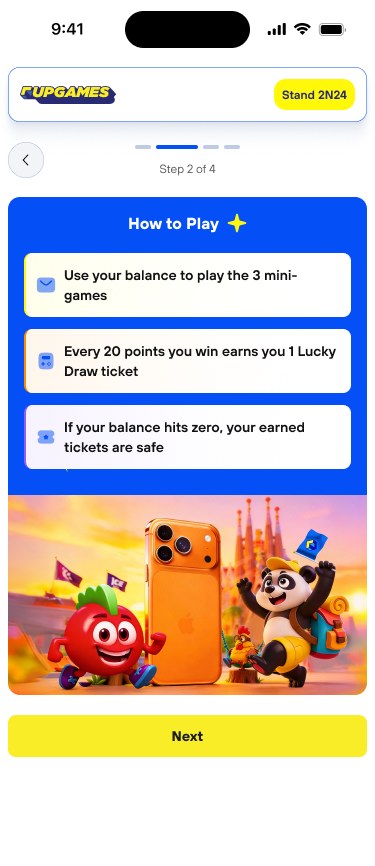
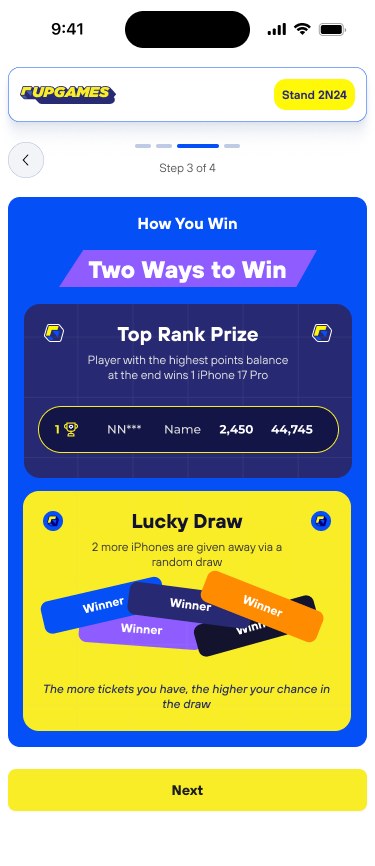
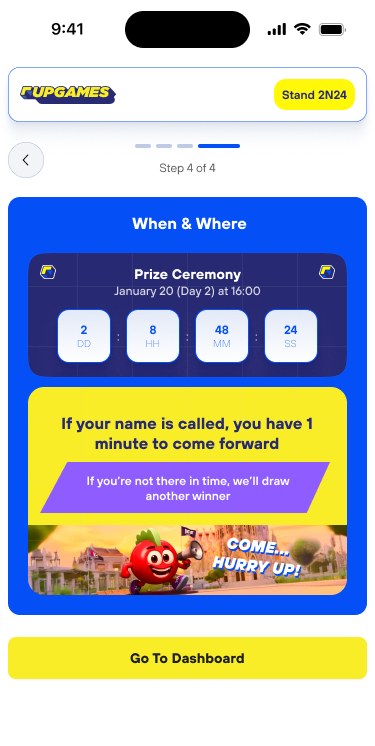
    A four-step onboarding wizard replaces the wall of terms: intro, how to play, how you win, when and where to claim.

  2. Always know where you stand

    The dashboard opens with the prize-draw countdown and a yellow bar of points, tickets and rank.

  3. Pull people back to the stand

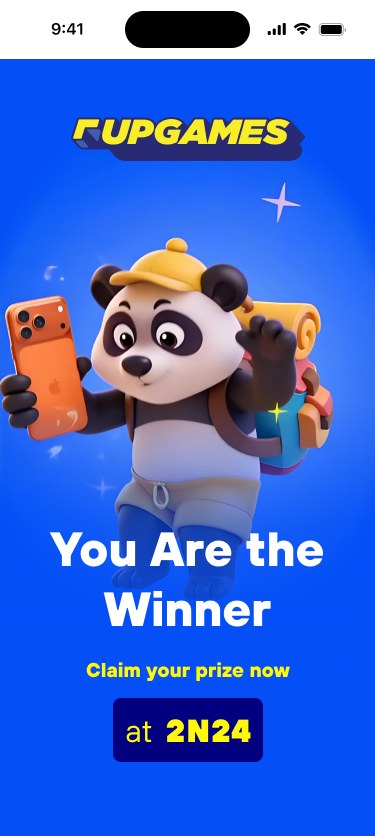
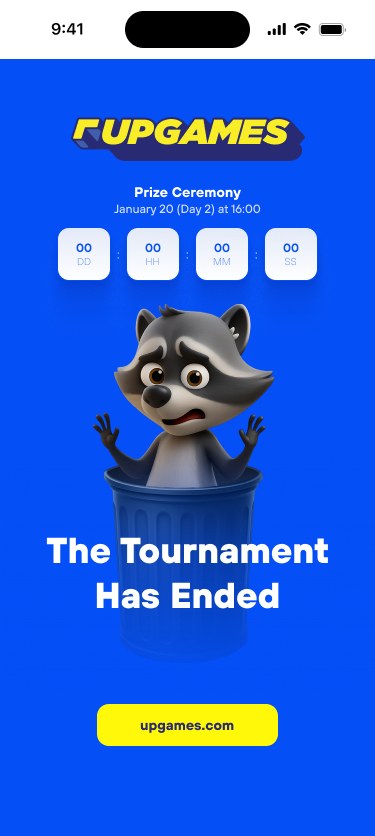
    "Stand 2N24" is on every screen, the ceremony countdown creates urgency, and even the end states ("You are the winner", "The tournament has ended") point back to the booth.
Key Screens

From the first tap on the QR link to the moment the tournament ends.

01

Landing

The promise, the prize and how it works, all before sign-up.

PromiseHow it works
Landing page
02

Sign up and sign in

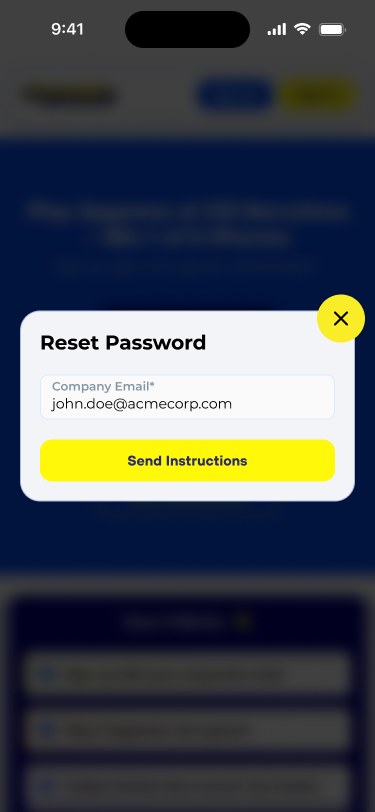
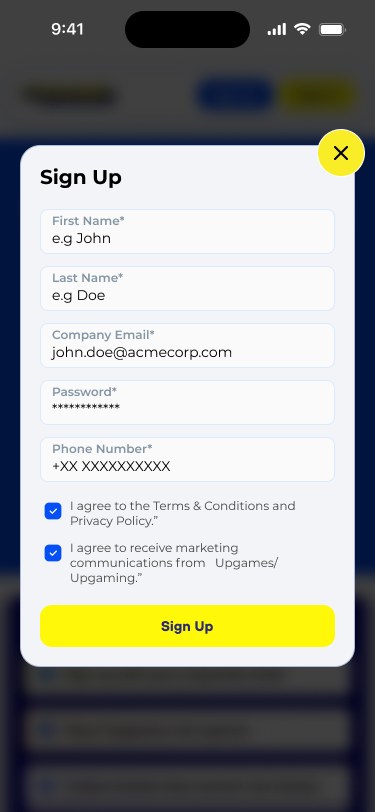
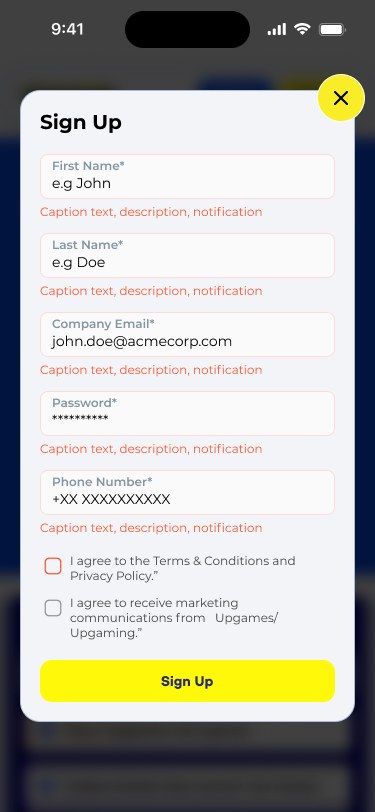
Sign up and sign in open as sheets, so players keep their place.

Bottom sheetsValidation
Sign up filled
Sign up with error messages
Reset password
03

Onboarding wizard

Four short steps explain the games, the rules and the prizes.

WizardRules
Step 1: intro
Step 2: how to play
Step 3: how you win
Step 4: when and where to claim
04

Player dashboard

Home base: countdown, stats, games and the live leaderboard.

CountdownStatsGame cards
Player dashboard
Full leaderboard
05

The endings

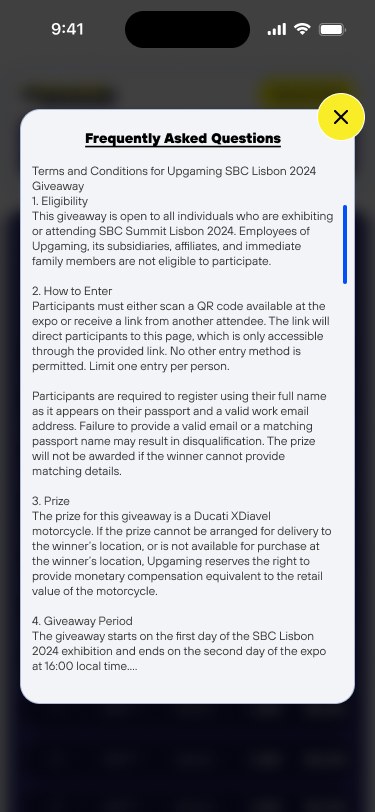
A winner screen, an ended screen and the FAQ close the loop.

WinnerEndedFAQ
You are the winner
The tournament has ended
FAQ

Try It

Walk through the onboarding, then race the claim timer.

Onboarding wizard
Step 1 of 4
Play 3 mini-games and compete for 3 iPhones.
WingzRaccoonCatchup
How to play
1Use your balance to play the 3 mini-games
2Every 20 points you win earns you 1 lucky-draw ticket
3If your balance hits zero, your earned tickets are safe
Two ways to win
Top rank prizeHighest points balance at the end wins 1 iPhone 17 Pro
Lucky draw2 more iPhones via random draw. More tickets, better chances.
When and where
Prize ceremonyJanuary 20 (Day 2) at 16:00
Be quick!If your name is called, you have 1 minute to come forward

Reflection

Three lessons I'd take to the next event game.

  • Teach with steps, not terms

    Splitting the rules into a four-card wizard meant nobody had to read the T&Cs to understand how to win, though they're one tap away.

  • Your row, always

    Pinning the player's own leaderboard row kept people motivated even far from the top.

  • Design the ending

    Winner and tournament-ended screens felt like small details, but they're the last impression at the show.